AudioNodes Modular DAW
A fully-featured modular digital audio workstation with a unique take, where the whole project is one patch: piano rolls, instruments, oscillators, sequencers, samplers, effects, and VST plugins are nodes you wire together.
Alpha version – check out the changelog
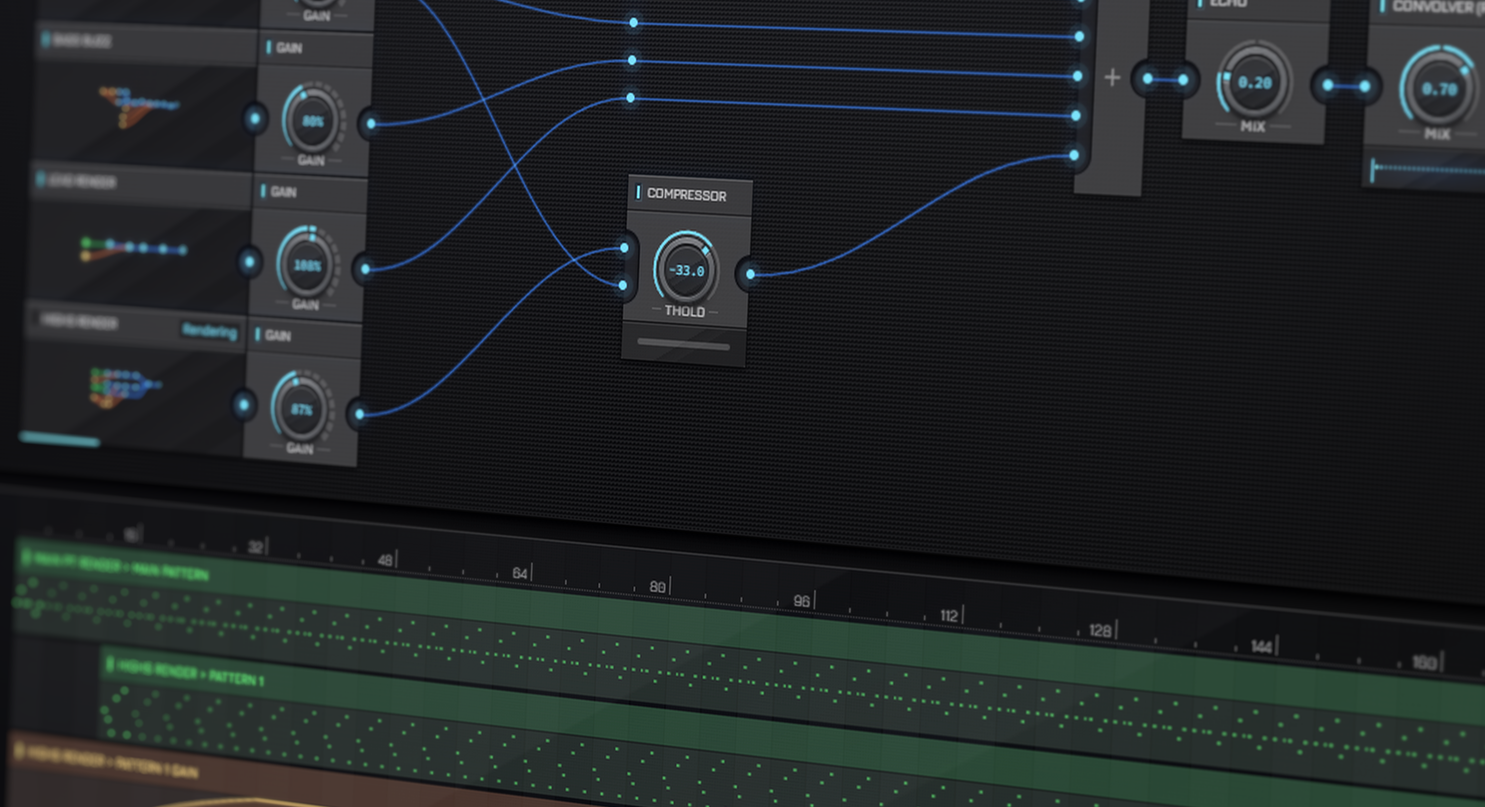
Meet AudioNodes
AudioNodes takes a unique spin on the DAW (digital audio workstation) concept: in a way, AudioNodes is much like a typical modular synthesizer with connectable modules, except for everything you typically do in a DAW, including MIDI routing, audio files, mixing, audio effect automation, and so on…
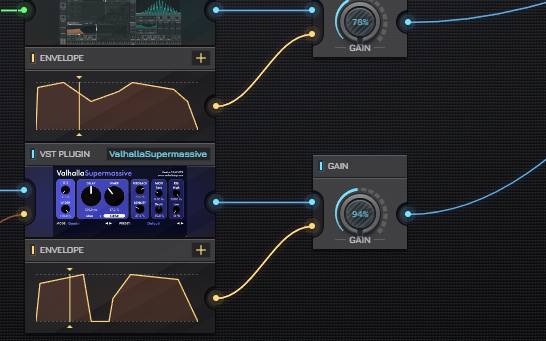
Your Whole Project Is One Patch
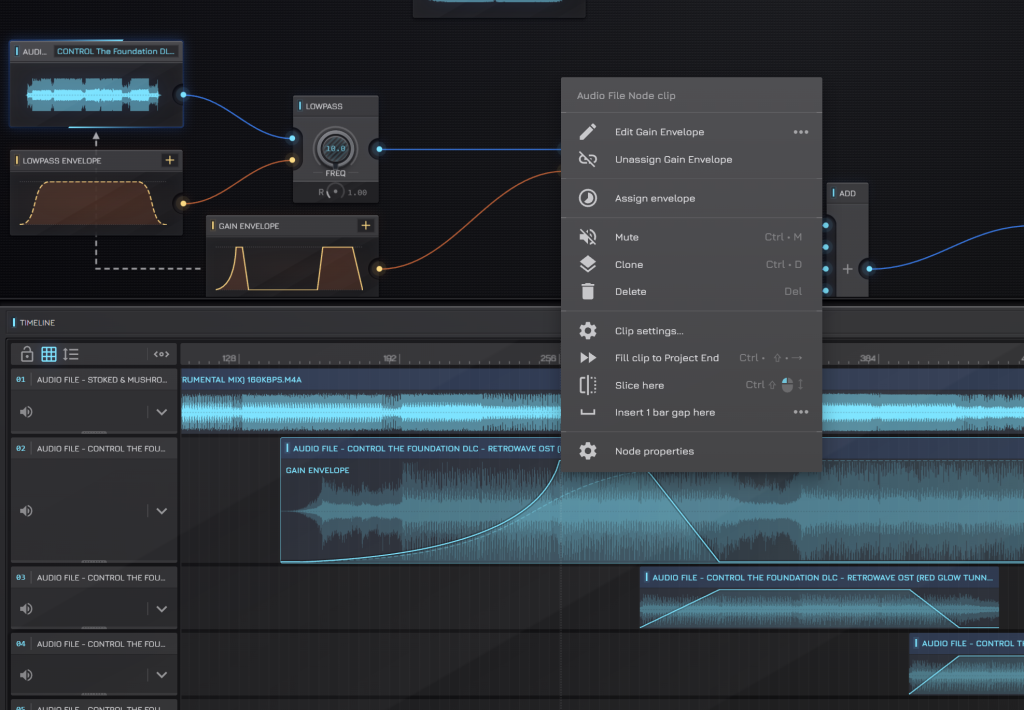
Serial chains, parallel sends, analysis taps: routing is just cables, and the patch keeps playing while you rewire it. No fixed mixer topology, no hidden buses: the signal path is exactly what you see in the Patcher.
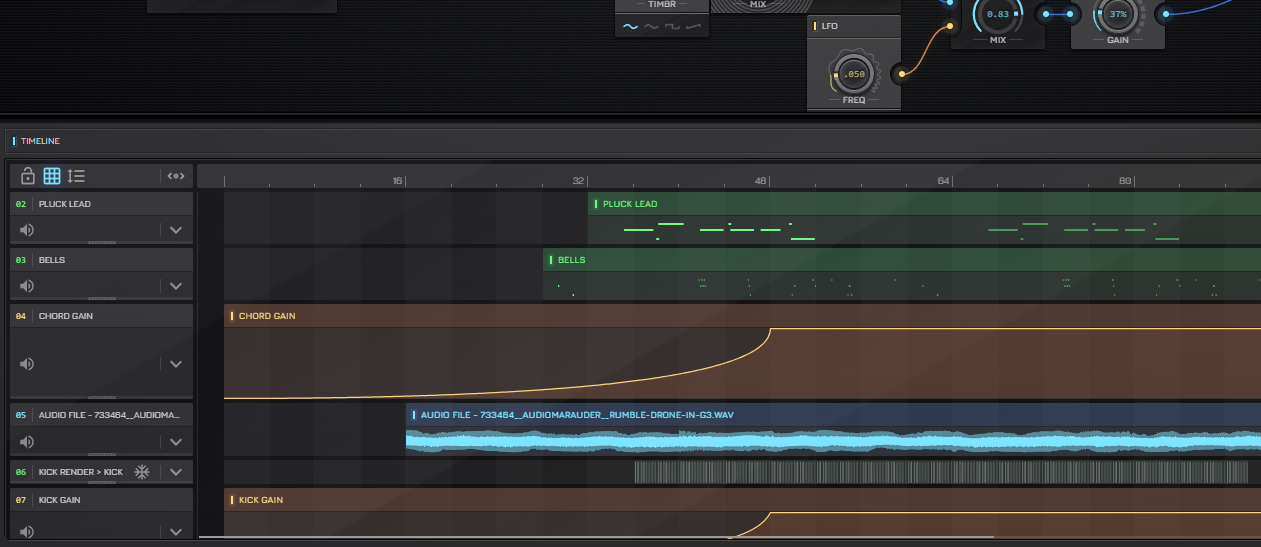
Arrange on the Timeline
Arrange audio clips, note patterns, and automation envelopes on the Timeline, on unlimited tracks. Slice, clone, mute, and loop them in place; and connect the track output on the same patcher as everything else.
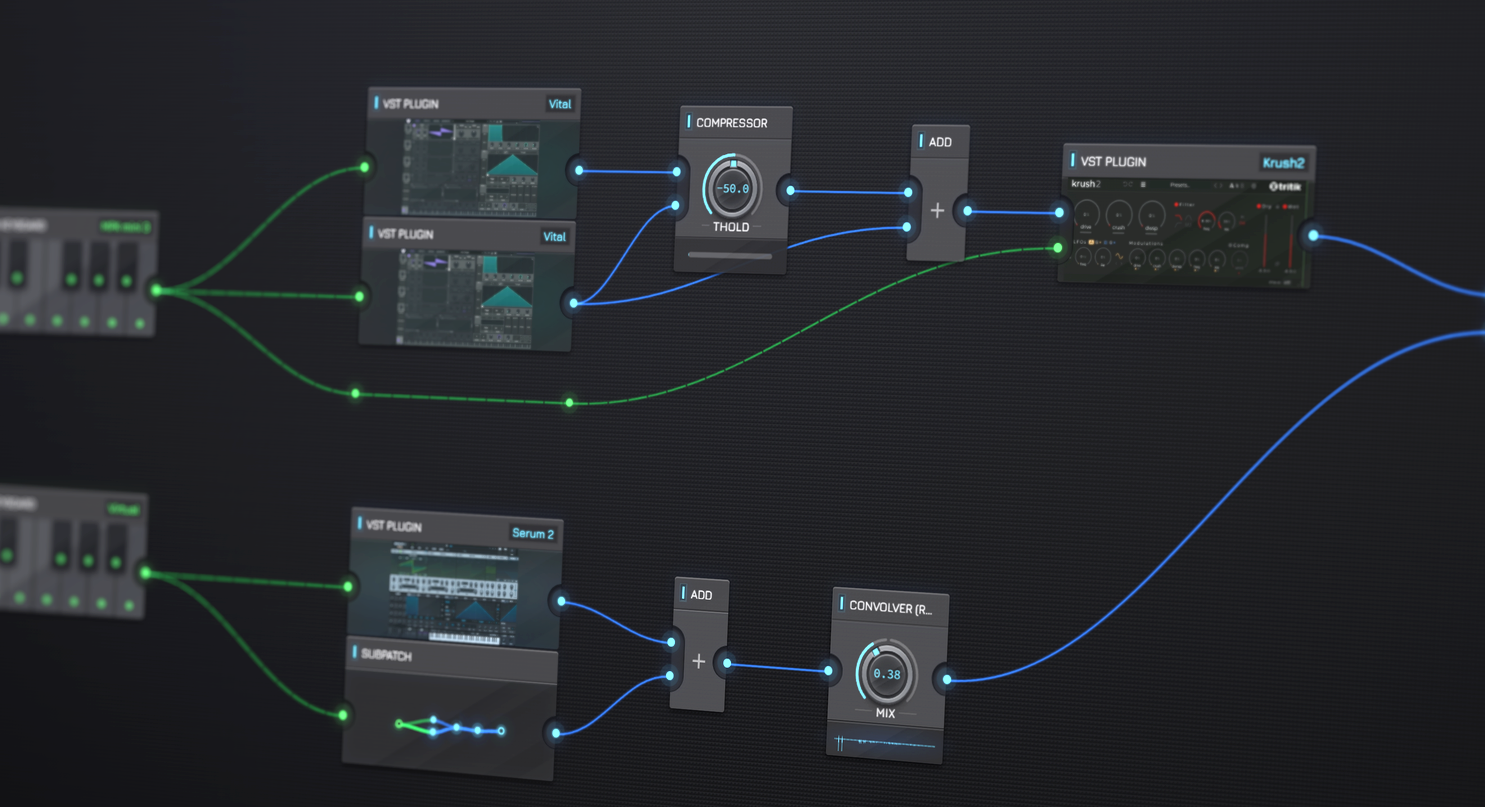
Plugin Crash Isolation
Plugins each run in an isolated process, and crashes are contained without bringing your session and everything else down. Restart & restore the plugin in place, with its state intact.
LATEST UPDATE
0.15.1 Update – Mac Version Performance & Envelope Editing Hotfix
The next update of AudioNodes, 0.15.1 is now out! This is a small hotfix that adds a new default output device setting, fixes a performance issue on the Mac desktop version, fixes an issue with editing envelopes via the Envelope Node, and brings a few more QoL improvements.
Share Snippets & Patch Showcase
Any patch can be saved as a snippet: a share link with an audio preview and a thumbnail, ready for anyone to install into their own project. A few from the community: press play, or open one and see every cable.


Build Your Own Nodes
Wrap a patch in a subpatch, design a front panel for it in the Custom Node Designer, and it becomes a Node of your own: reusable across projects, shareable as a snippet, and installable by anyone.


The modular DAW concept
What is a modular DAW?
A modular DAW usually means one where you connect the building blocks yourself instead of placing them in fixed slots. Most modular tools stop at sound design, AudioNodes takes it several steps further: the whole project is one node graph, where sources, effects, sequencers, and even timeline tracks are nodes wired together with cables.
Can AudioNodes run in the browser?
Yes. The full modular DAW runs in Chrome, Edge, and Firefox with nothing to install: it works offline and auto-saves your project. AudioNodes also ships as a desktop application for Windows, macOS, and Linux, adding VST plugin hosting, improved performance, and better file handling.
Does AudioNodes host VST plugins?
The desktop application hosts VST 2.4 and VST 3 plugins as nodes in the patch. Every plugin instance runs in its own process, crash-isolated, so a misbehaving plugin cannot take your project down.
Can AudioNodes export audio?
Yes. Pick a format, settings, and everything reaching your audio output in the patch automatically renders straight to an audio file, ready to play anywhere.
Is AudioNodes a synthesizer or a DAW?
Both, in one graph. It is a modular synthesizer, with oscillators, filters, envelopes, and audio-rate modulation everywhere, and a full digital audio workstation, with a Piano Roll, a multi-track Timeline, automation, and audio export.